

Sales Layer PIM syncs your Unite catalog fast. Map once to BMEcat, reuse templates, and update listings without rebuilding files. Control quality, automate checks, and keep every channel aligned so your team launches complete, compliant products in days, not weeks.

Create a Unite-ready catalogue straight from Sales Layer. Map your fields to BMEcat once and let the template auto-populate from clean product data, assets, and PDFs. Buyers who need a live view of current data can use PunchOut via OCI or cXML. When specs or prices change, keep the mapping, schedule re-exports, and stay current. Teams go from draft to live in days, cut copy-paste work, and avoid the back-and-forth that delays launches.
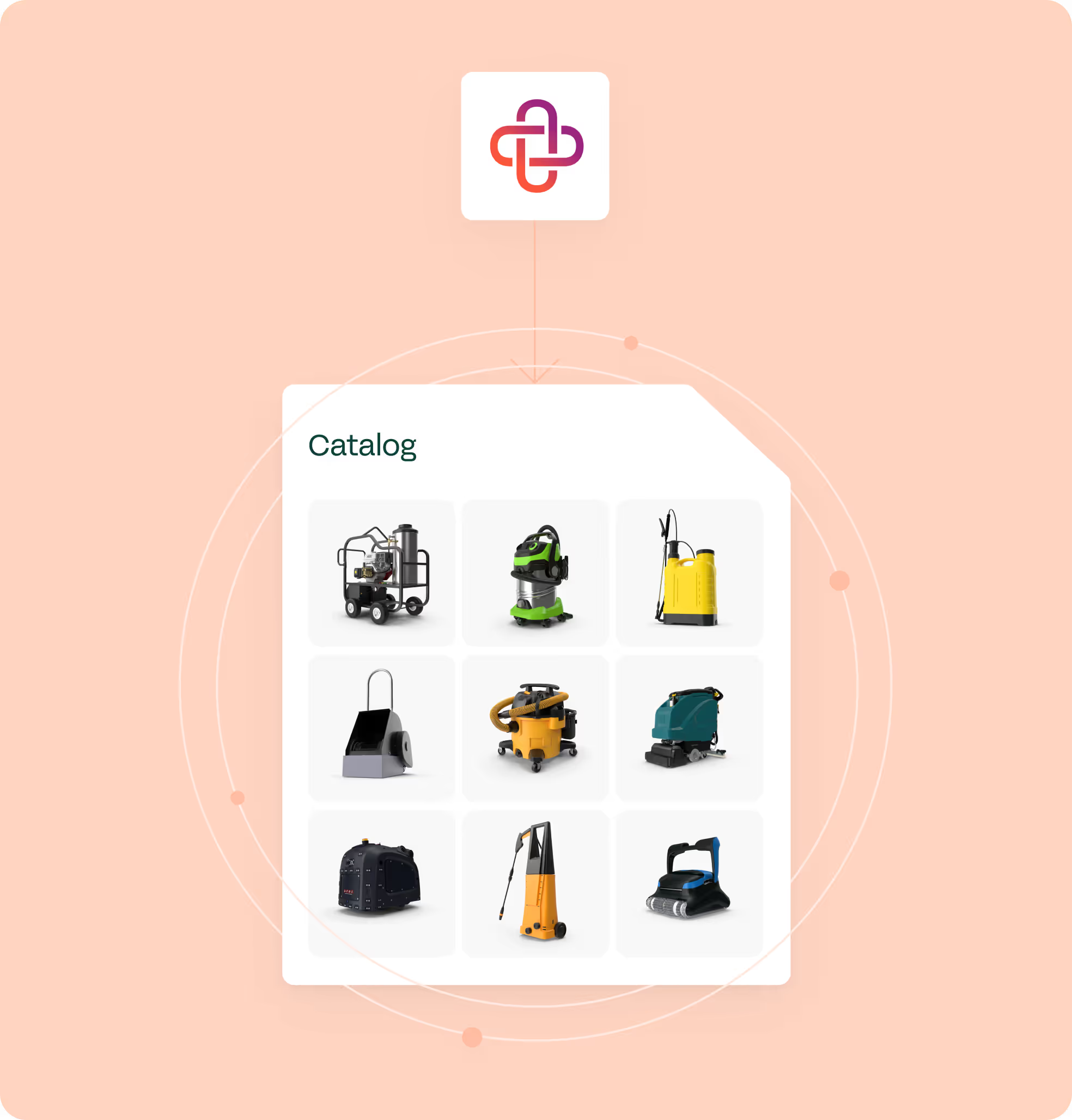
Choose the exact assortment by brand, family, or category, and set the language per market. Quality Score and workflows flag missing images, tech sheets, SDS, or CE marking before export, so only complete items go out. Variant parents and children stay tidy, media links are consistent, and reviewers find fewer issues. You publish with confidence and reduce support tickets tied to bad or old data across regions.
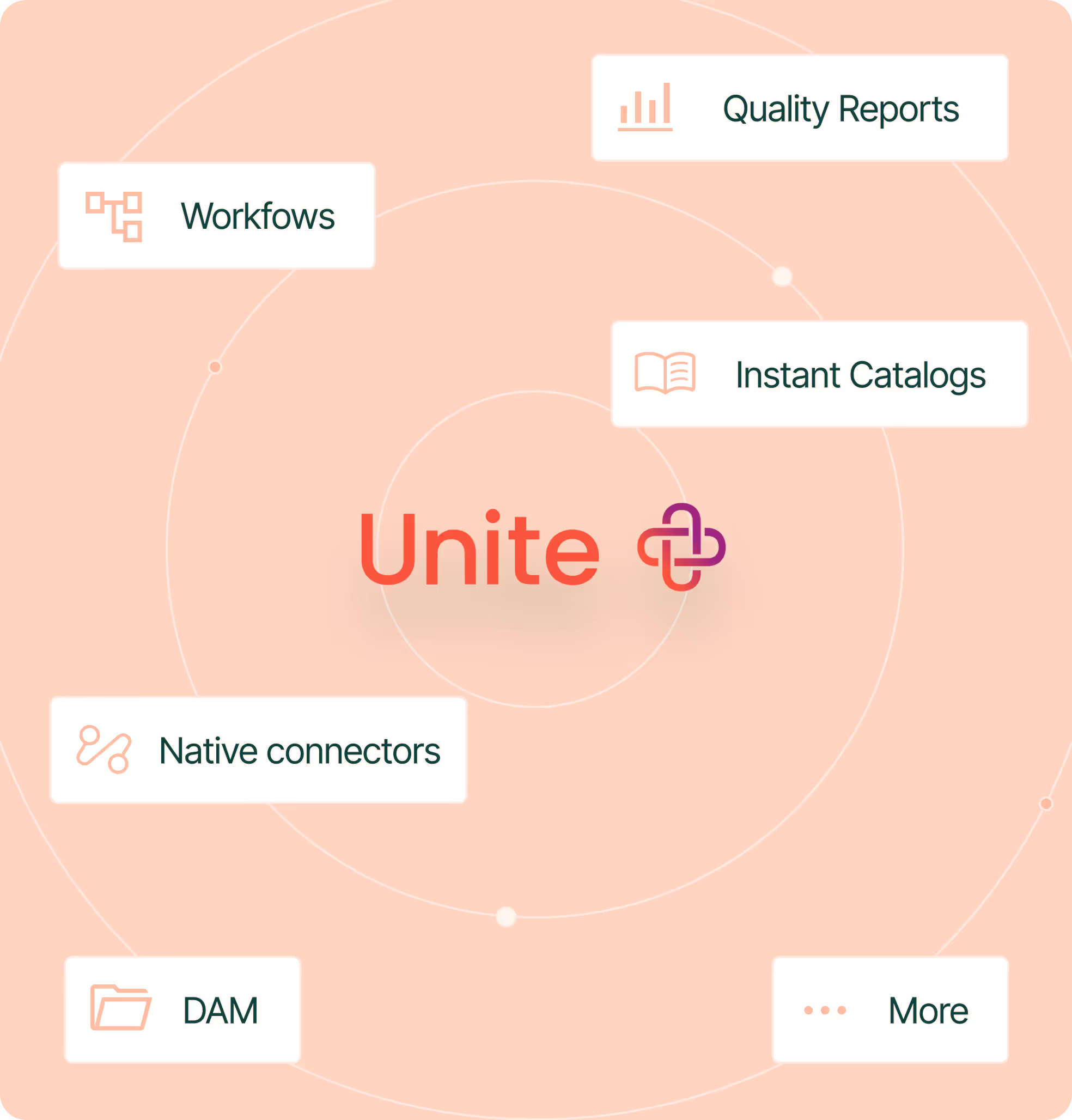
Keep a single source of truth for SKUs, variants, attributes, media, and documents. Map once to Unite and reuse the same model for marketplaces, eCommerce, and distributors. Teams can bulk edit at scale, audit change history, and roll back when needed. Use connectors or the API for custom flows. No more rebuilding spreadsheets, you get a predictable, reusable way to list everywhere. Content remains consistent across channels and cuts mismatch.
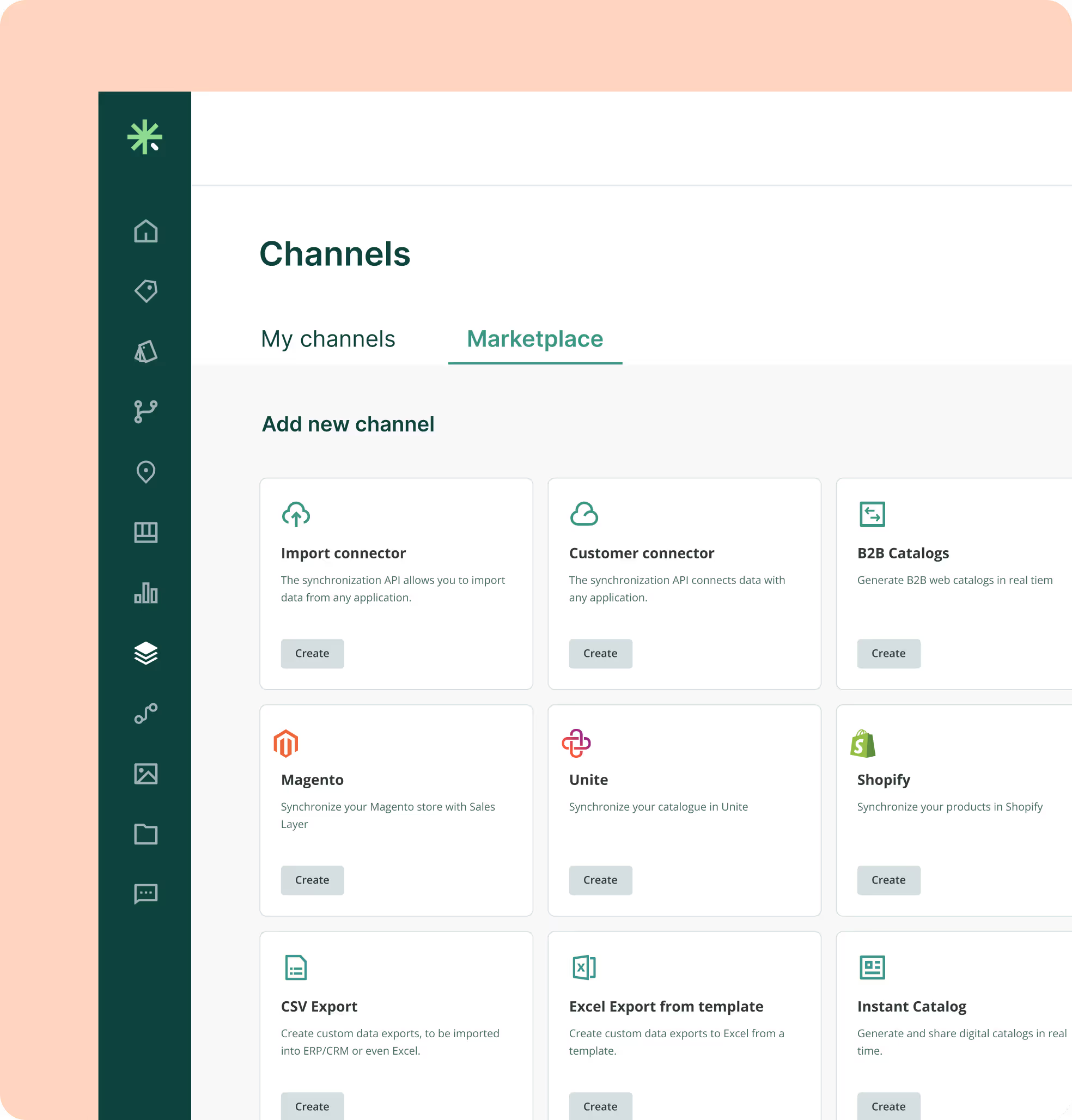

Centralize SKUs, variants, attributes and files. Build a Unite view; fix gaps with Quality Score.

Map Sales Layer fields to Unite’s BMEcat once. Save IDs, variant keys, media URLs, and languages for reuse.

Choose brands, families, or categories and select the language. Filters keep contract assortments tidy.

Export BMEcat XML to Unite via sFTP or portal. Schedule refreshes; logs track updates for quick PIM fixes.
Yes. Set up the Unite feed in the UI, upload the BMEcat template, map fields, and schedule refreshes. Quality Score flags gaps before export. Starter checklists and saved mappings make repeats simple. After go-live, catalog managers handle updates, while IT only steps in for ERP price or stock feeds if you choose to connect them.
Yes. Keep product truth, media, and eligibility rules in Sales Layer, then serve buyer-specific assortments through Unite PunchOut via OCI or cXML. Pricing and availability can stay in your ERP or eProcurement. Buyers build baskets on current data, send them for approval, and return to order. Orders and invoices keep flowing outside the PIM.
Model families with parent and child items in Sales Layer. Send images and file URLs in the BMEcat so Unite can display galleries and documents. Store translations, units, and regional PDFs like CE, DoP, or SDS with each SKU. This keeps sizes, finishes, and packs clear, and reduces review comments.
Yes. Build channel views in Sales Layer and filter by brand, family, category, or tags. Pick the language per export and attach regional files like CE, DoP, or SDS. For PunchOut, present contract assortments to each buyer. For BMEcat, save multiple mappings and generate separate files.
Role-based permissions govern who edits, approves, and exports. Quality Score and required fields prevent incomplete items from publishing. Change history keeps every update traceable.

Onboard in six weeks
Fast start with guided setup and simple imports, even for teams without technical backgrounds.

Workflows and permissions
Assign tasks, approvals, and roles so teams stay in sync.

Multi language and units
Translate attributes and content, manage units, and keep country versions aligned.

AI product description generator
Create better copy fast and keep tone consistent across lines.

Instant Catalogs and PDF Creator
Build shareable, searchable catalogs and export branded PDFs that stay up to date as the PIM changes.