

Put product information at the center of your sales and marketing with Sales Layer HubSpot integration. Show accurate specs and media in workflows so reps quote faster and campaigns remain consistent.

Use rich product relationships to upsell and cross sell. Build campaigns that suggest accessories, compatible parts, and bundles from the PIM. Target segments by industry, fit, or usage to keep messages relevant. Relevant offers raise average deal size and keep catalogs aligned with HubSpot records.
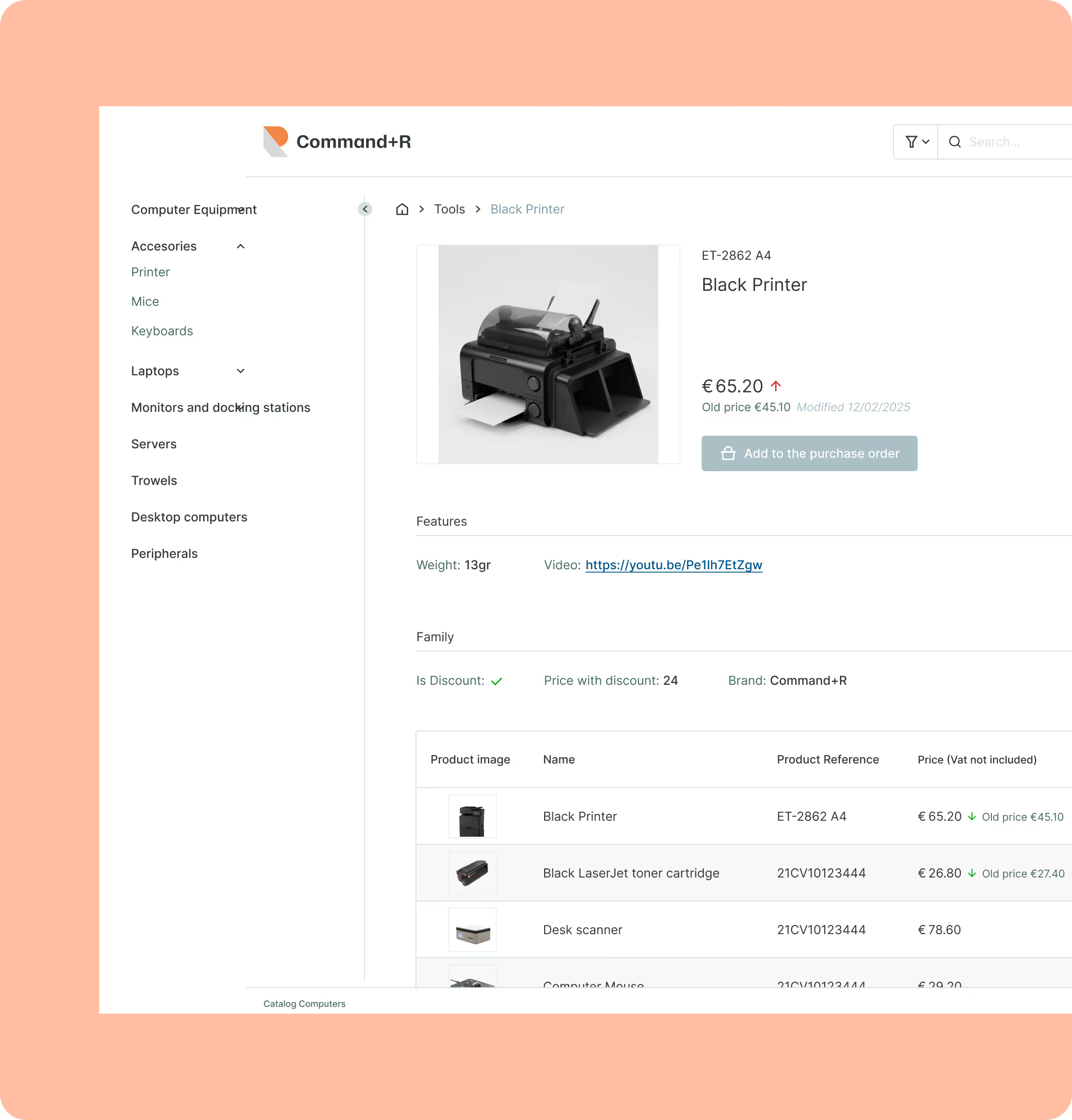
Sales teams quote with confidence when HubSpot pulls one approved product source. Specs, images, and pricing appear in the deal rather than scattered files. The same data powers the website and marketplaces, so buyer touchpoints line up across channels. Approvals move faster, and revisions drop off.

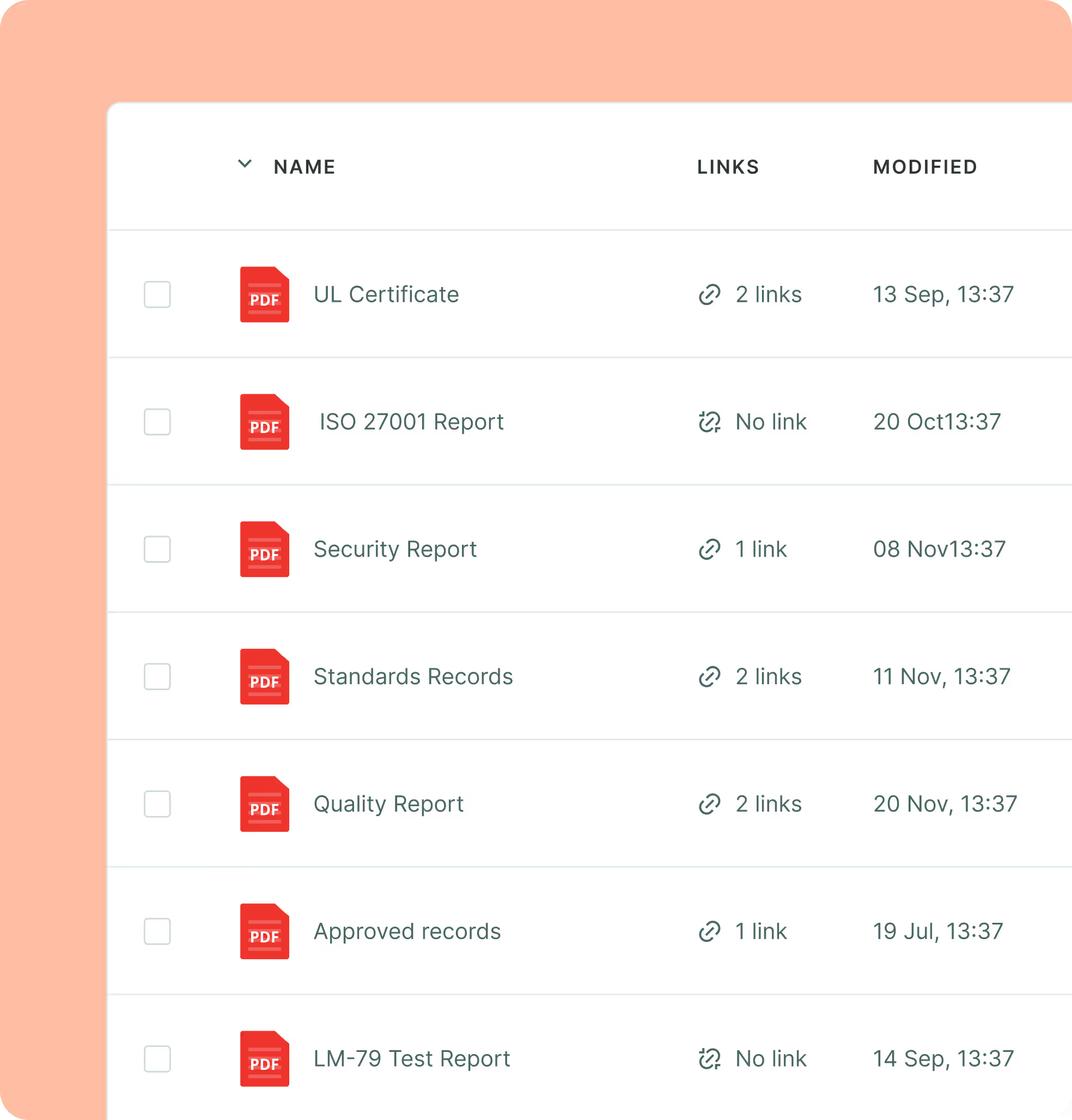
In many quotes, required documents must ride along with the product. Safety sheets, standards, and certificates sit in the PIM as approved records, then sync to CRM objects for sales. Role permissions and validation rules create guardrails, so errors are caught early and compliance is steady.
Life gets easier when the PIM is connected to HubSpot. Teams stop emailing files or retyping SKUs since the latest specs link to records. Quotes, websites, and marketplaces draw from the same source, which cuts manual work and mistakes. Buyers get quicker answers, and support sees fewer escalations.
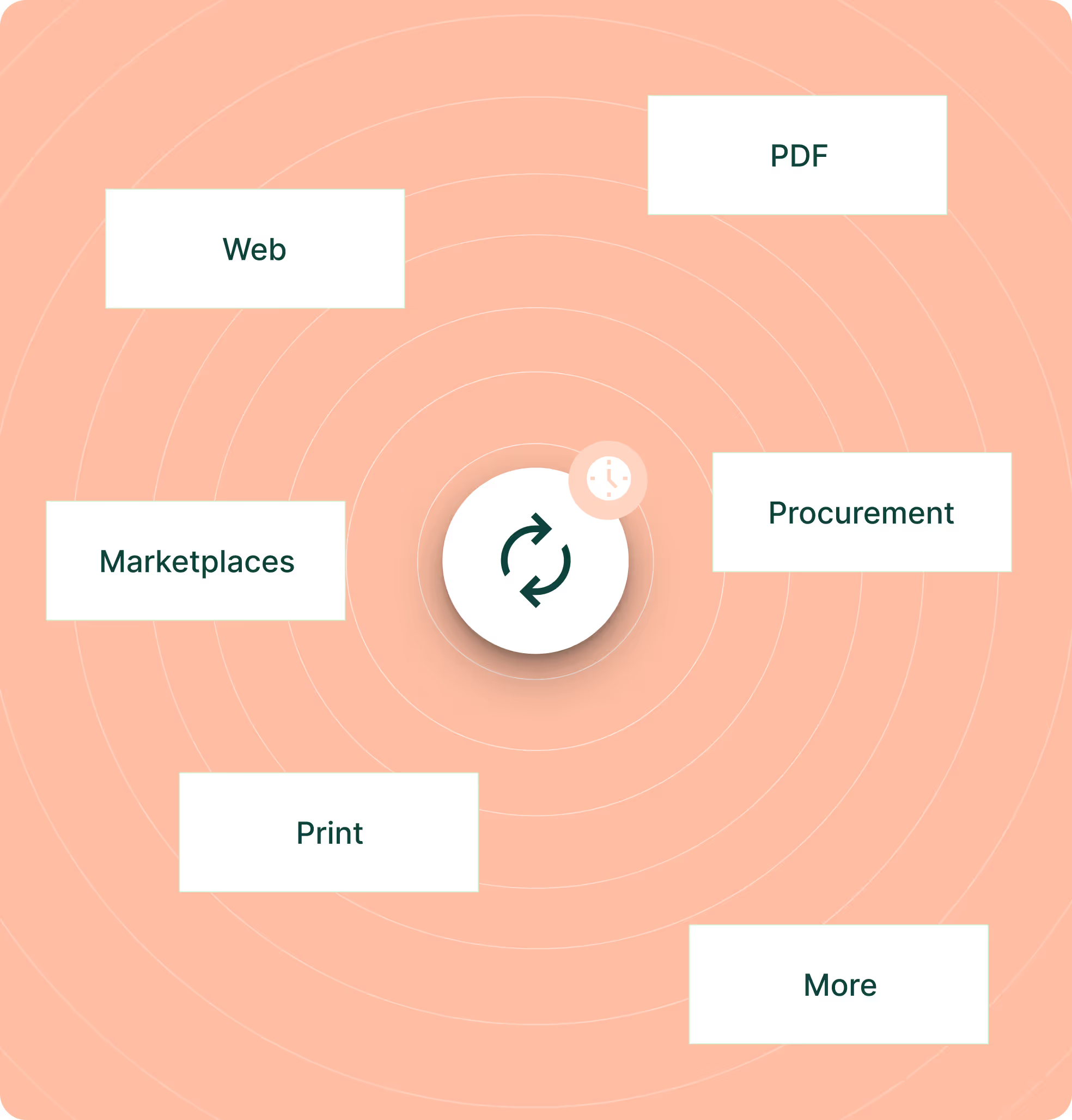

List channels HubSpot CMS and marketplaces, and confirm attributes for quotes. Note media, languages, and variants.

Map PIM to HubSpot objects. Use standard mappings or custom properties for lines. Keep SKUs aligned. Categories too

Match PIM attrs with HubSpot fields. Validate languages, variants, media, pricing in staging. Fix gaps before sync.

Set sync cadence per channel and watch error logs. Hourly or daily runs keep data fresh. Track exceptions early on.
HubSpot holds customers, campaigns, and deals. Sales Layer holds product content. Linked together, product updates reach every touchpoint without manual work, so sales and marketing speak from one source.
HubSpot keeps contacts, companies, deals, orders, and campaigns. Sales Layer keeps attributes, images, descriptions, categories, tech sheets, translations. The PIM is truth; HubSpot uses it across pages and quotes.
Marketing builds pages and emails with up to date specs. Sales sees accurate data in deals and quotes. Spreadsheets stop flying around, setup time drops, and content stays consistent across campaigns and catalogs.
Sales Layer connectors push enriched product data into HubSpot objects or custom fields. Teams choose mappings and frequency. Hourly or daily runs are common in manufacturing SMBs.
Sales Layer is cloud native on AWS with ISO 27001 certification, SLA options, and automated backups.