

Improve your operational efficiency and scale your business with Sales Layer and Cegid.

Manual data entry and custom integrations slow product publication and create errors. With Sales Layer connected to Cegid, product updates sync automatically across channels, reducing manual work, eliminating delays, and giving your teams faster, error-free time to market.
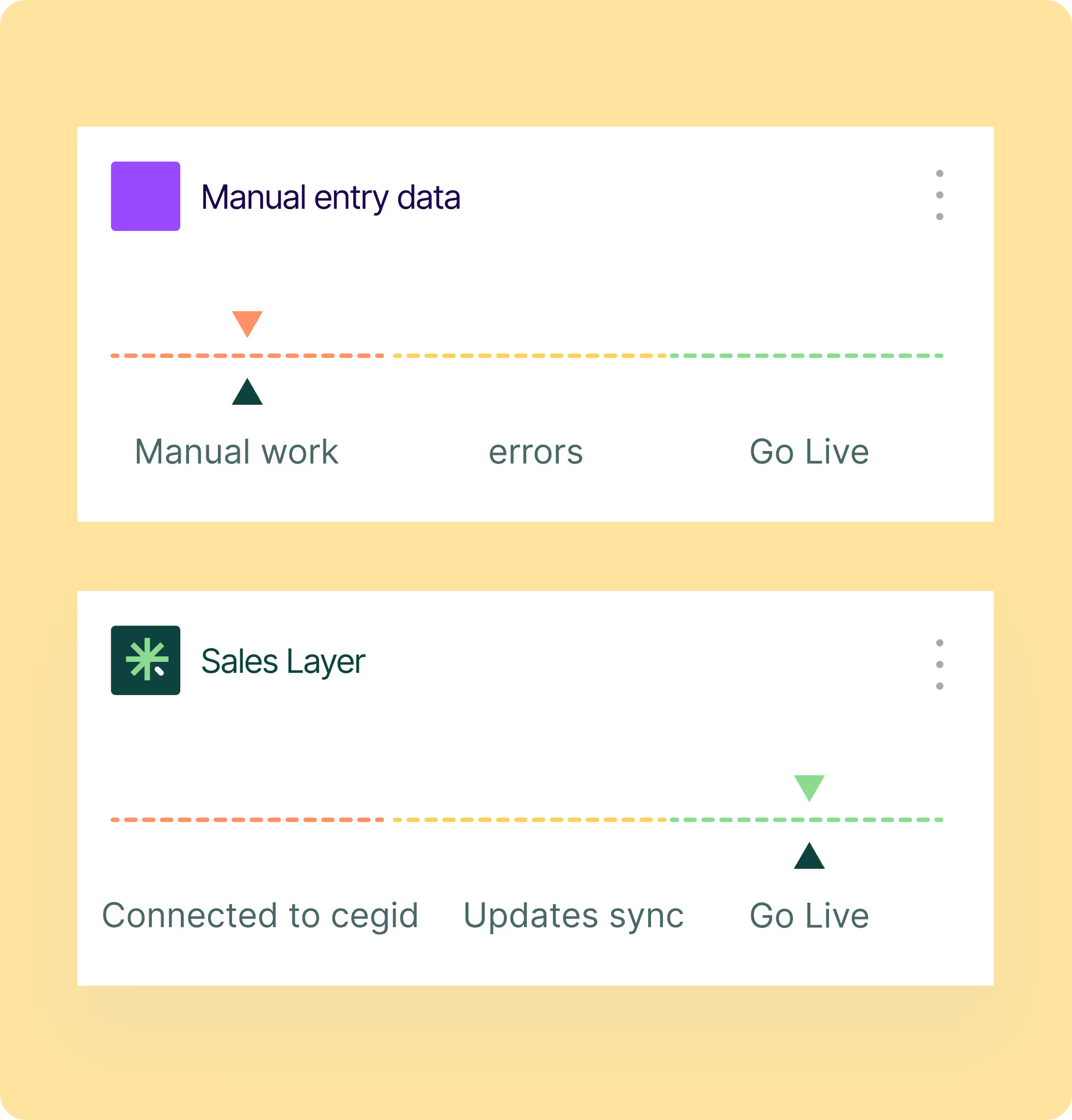
Cegid manages your core operational attributes, while Sales Layer enriches every product with marketing data like descriptions, media, and SEO. This structure makes it easy to add new products or channels without extra ERP fields, keeping every catalog version complete and consistent.
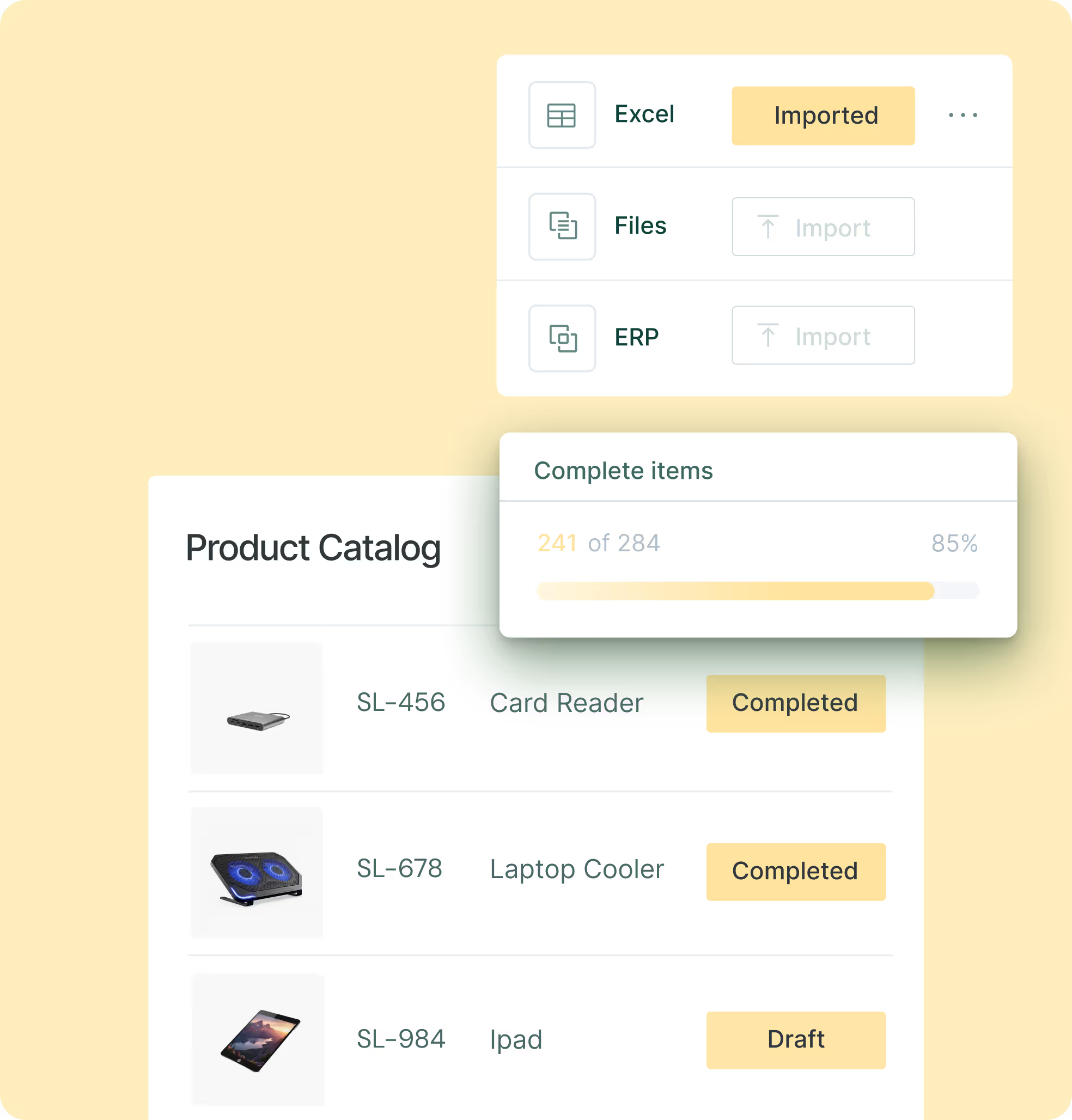
Cegid holds your core operational attributes such as SKUs, stock levels, prices, and product codes. Sales Layer builds on this data by adding marketing details like media, comparison tables, and rich descriptions that answer buyer questions, reduce returns, and drive cross-sell opportunities.
Keep product data accurate, approved, and ready for every channel without slowing your team or requiring constant ERP updates. Sales Layer centralizes changes and approvals, while automated syncs keep Cegid and your stores aligned. Role-based permissions prevent errors so everyone works from one trusted version.


List sources and key fields such as titles, descriptions, images, GTIN, and variants. Align taxonomy with the target store.

Enable the Sales Layer connector. Map fields and languages, test categories and variants, then confirm the flow into Cegid.

Run pilot syncs to check that products, images, and variants display correctly. Confirm data quality and flow with Cegid.

Go live in stages and train teams to manage updates from Sales Layer. Set clear publishing rules and approval steps.
Cegid manages core business operations like finance, stock, and sales, while Sales Layer centralizes and enriches product information for marketing and ecommerce. Connecting both removes data silos and ensures your product, pricing, and inventory are always aligned across every channel.
Cegid stores operational data such as SKUs, stock, prices, and product IDs. Sales Layer manages marketing attributes like names, specs, images, and SEO. This split keeps both systems clean, with clear update rules that avoid duplication and errors.
Sales Layer PIM manages translations and local versions of product data. Marketing teams can apply language and regional rules while Cegid keeps operational information consistent across markets. Only approved content gets published.
Sales Layer manages language variants and locale rules, such as units and power specs, ensuring accuracy for each market. Translators or language service providers can work directly in workflows, keeping all versions consistent with Cegid’s core product data.
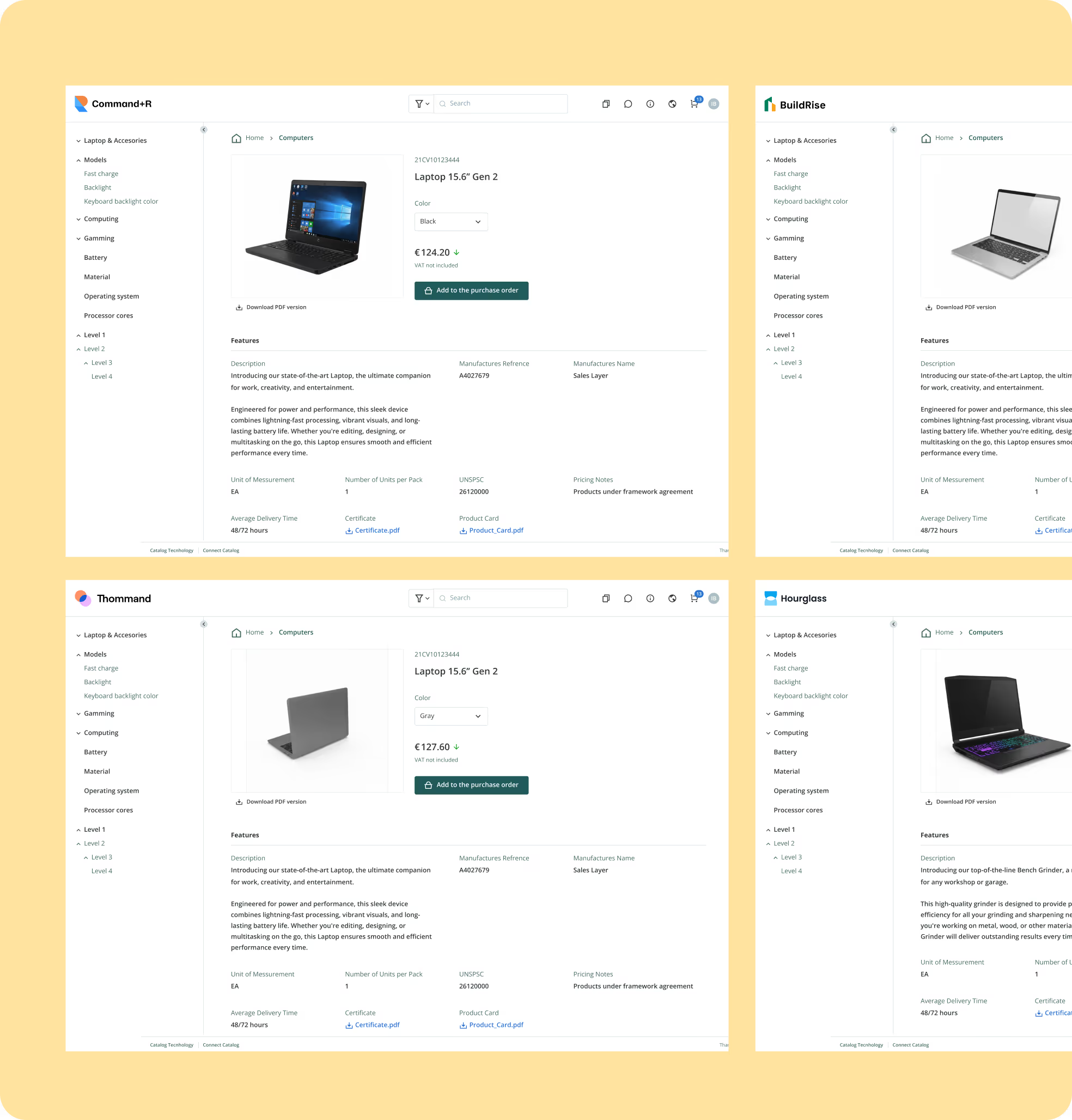
Sales Layer transforms and delivers Cegid’s core product data together with enriched marketing and sales content to every channel. Channel templates adapt the data to each marketplace or ecommerce format, ensuring every listing stays complete, consistent, and ready to sell.