

Prepare your product catalog for Tractor Supply's vendor requirements with Sales Layer. Centralize product information, organize digital assets and structure your data to meet Tractor Supply's content standards, reducing manual work and accelerating product publication.


Bring product data, descriptions and linked digital assets together in Sales Layer for catalog preparation.

Complete product descriptions, specifications and attributes to create richer, more informative product records.

Transform product information and images into channel-specific formats ready for Tractor Supply's workflow.

Export your prepared catalog and submit product information through Tractor Supply's vendor PIM portal.
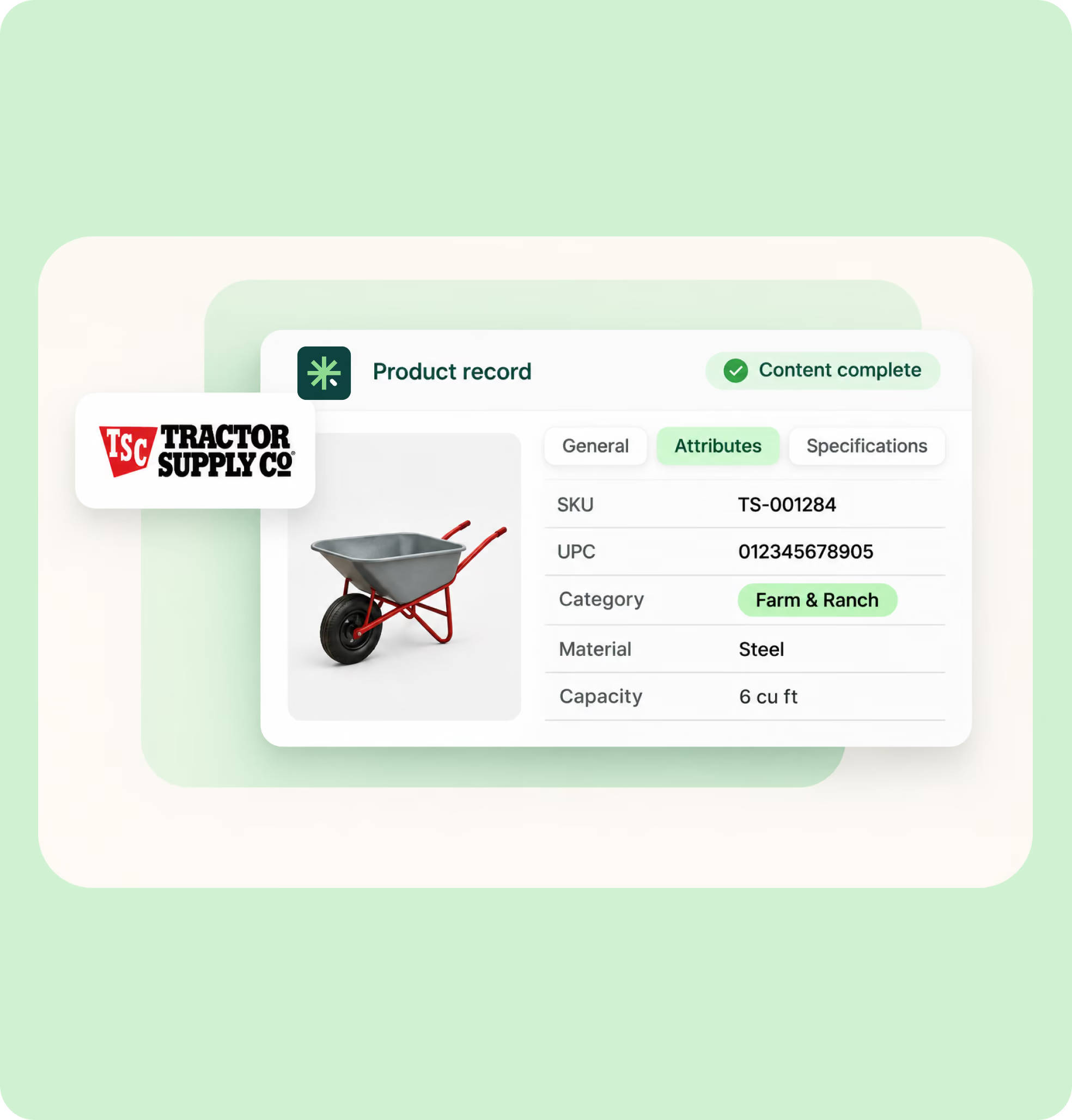
Tractor Supply vendors need to provide structured product information through its Product Information Management (PIM) portal. Sales Layer helps organize product attributes, descriptions, identifiers and specifications in a centralized catalog, making it easier to prepare complete product records and adapt information to the retailer's requirements.
Managing product imagery separately creates extra work when preparing retailer catalogs. Sales Layer DAM centralizes images, videos and documents, linking them directly to products. Its asset transformation capabilities let you generate channel-specific versions with the required formats, dimensions and crops, reducing manual image editing.

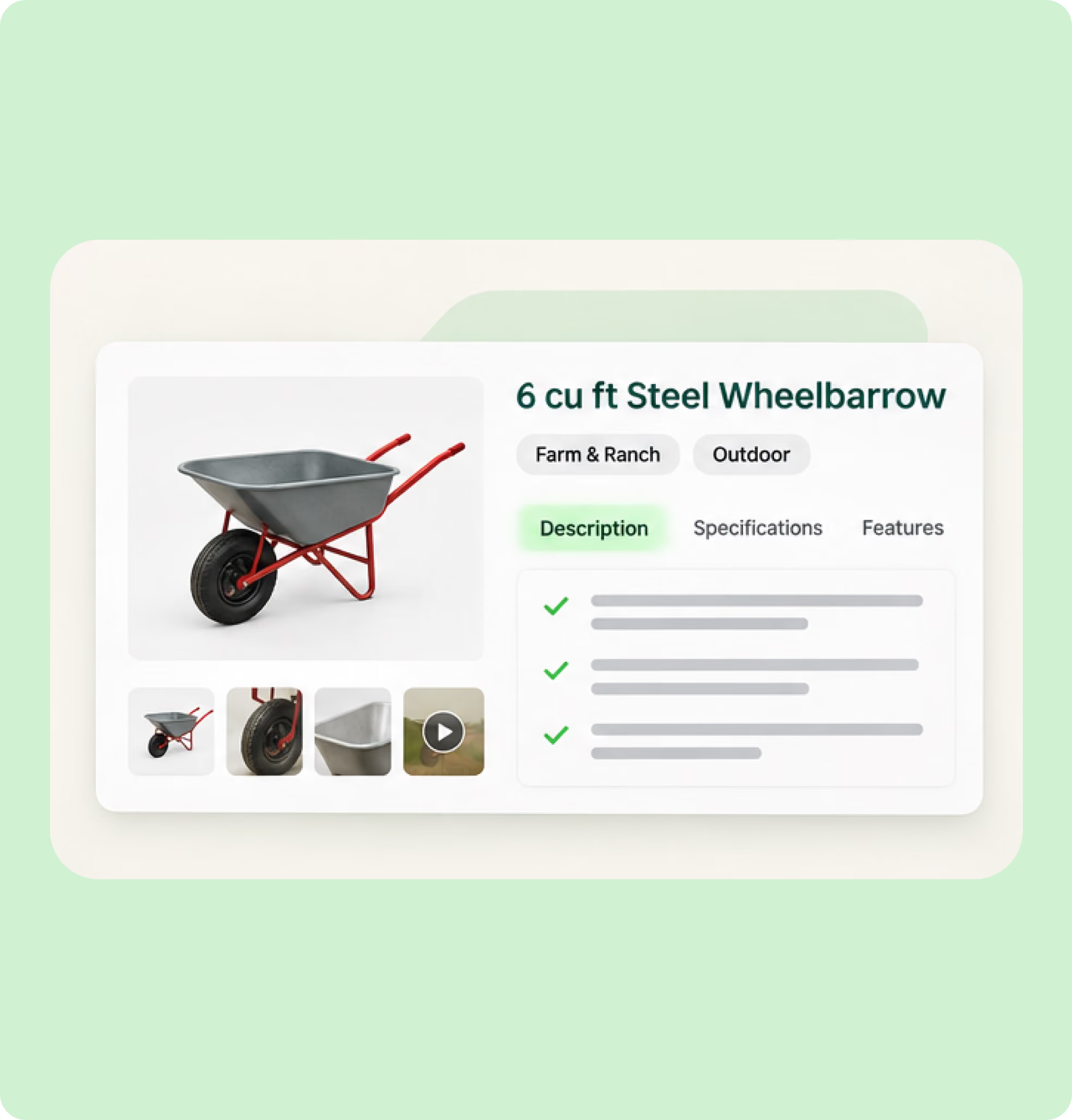
Product detail pages need more than basic product descriptions. Sales Layer helps enrich product records with structured specifications, detailed descriptions and associated digital assets, creating more complete product content. Manage this information centrally and adapt it for Tractor Supply and other sales channels without maintaining separate catalogs.

Excel-based product data loading for easy system connection.
CSV ingestion for fast bulk connection to Sales Layer catalogs.
Sales Layer REST API enabling direct system-to-system linkage.
Channel connections for automated multi-platform output.
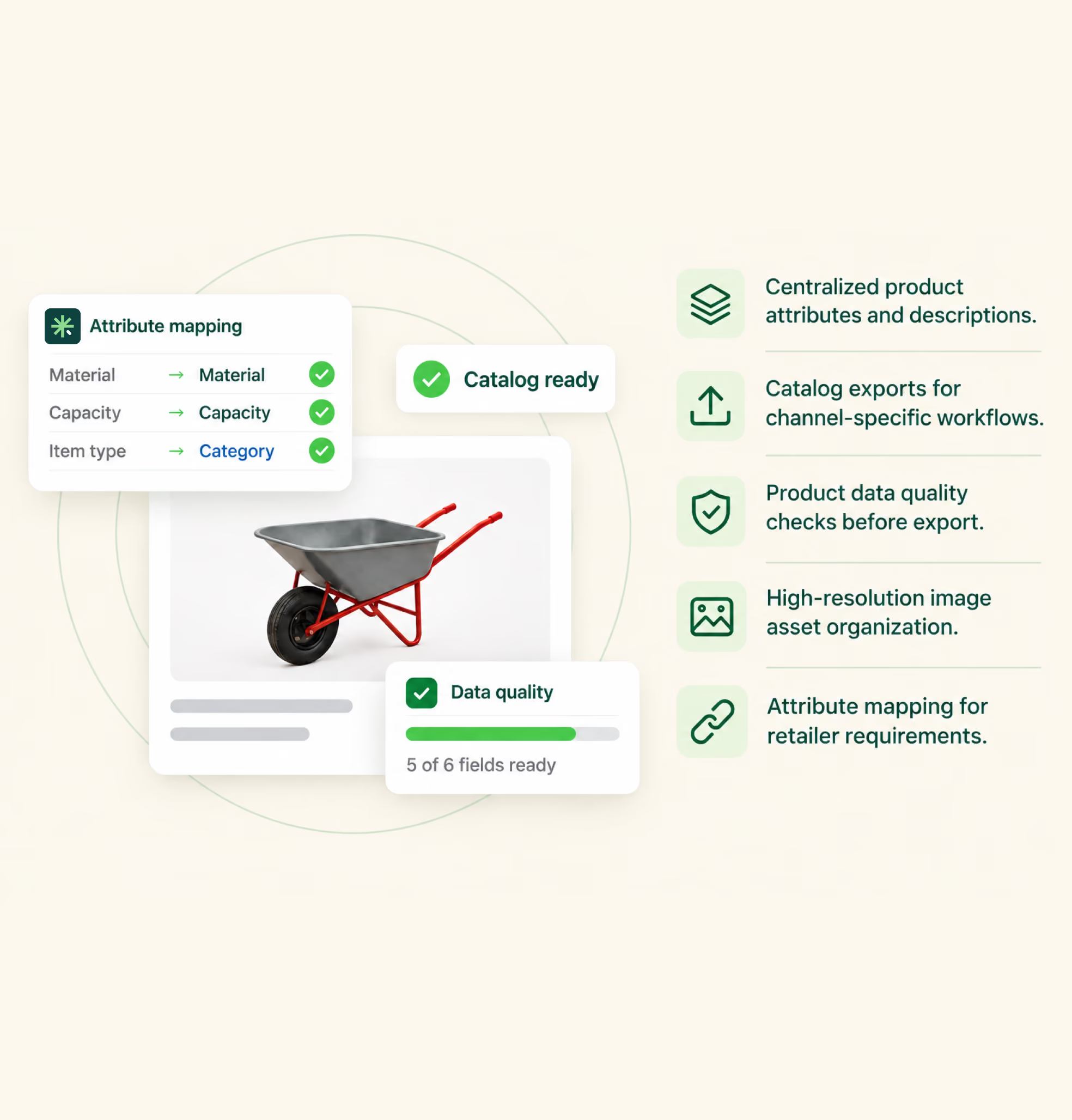
Sales Layer centralizes Tractor Supply product attributes, descriptions and digital assets, helping teams enrich, validate and transform catalog content into channel-specific exports for submission through the retailer's Product Information Management (PIM) portal.

Prepare richer product catalogs for Tractor Supply while keeping product information and digital assets consistent across every sales channel.
Tractor Supply's published vendor manual specifies TIF, EPS and JPG formats for product images.
Yes. Vendors must provide accurate product descriptions, UPCs, product specifications and relevant safety information.
Yes. You can centralize multiple product images and organize digital assets within your product catalog.
Current vendors use Tractor Supply's dedicated Product Information Management (PIM) portal to set up and manage products for its website.
Yes. Prospective retail vendors can create a RangeMe product profile and submit their information for buyer consideration.