

Reach tech shoppers on Newegg with detailed product listings. Centralize specifications, images, and descriptions in Sales Layer to help buyers compare and choose.

Get approved on your chosen Newegg market and confirm access to its submission tools.

Set up the publishing route for your Sales Layer catalog and the selected Newegg marketplace.

Match product categories and technical attributes to Newegg’s item requirements.

Submit approved listings and use Newegg’s feed results to resolve errors.
Newegg gives sellers a place to reach shoppers looking for computers, components, electronics, and more. Prepare titles, descriptions, and images in Sales Layer so each listing presents your products clearly to buyers comparing their options.
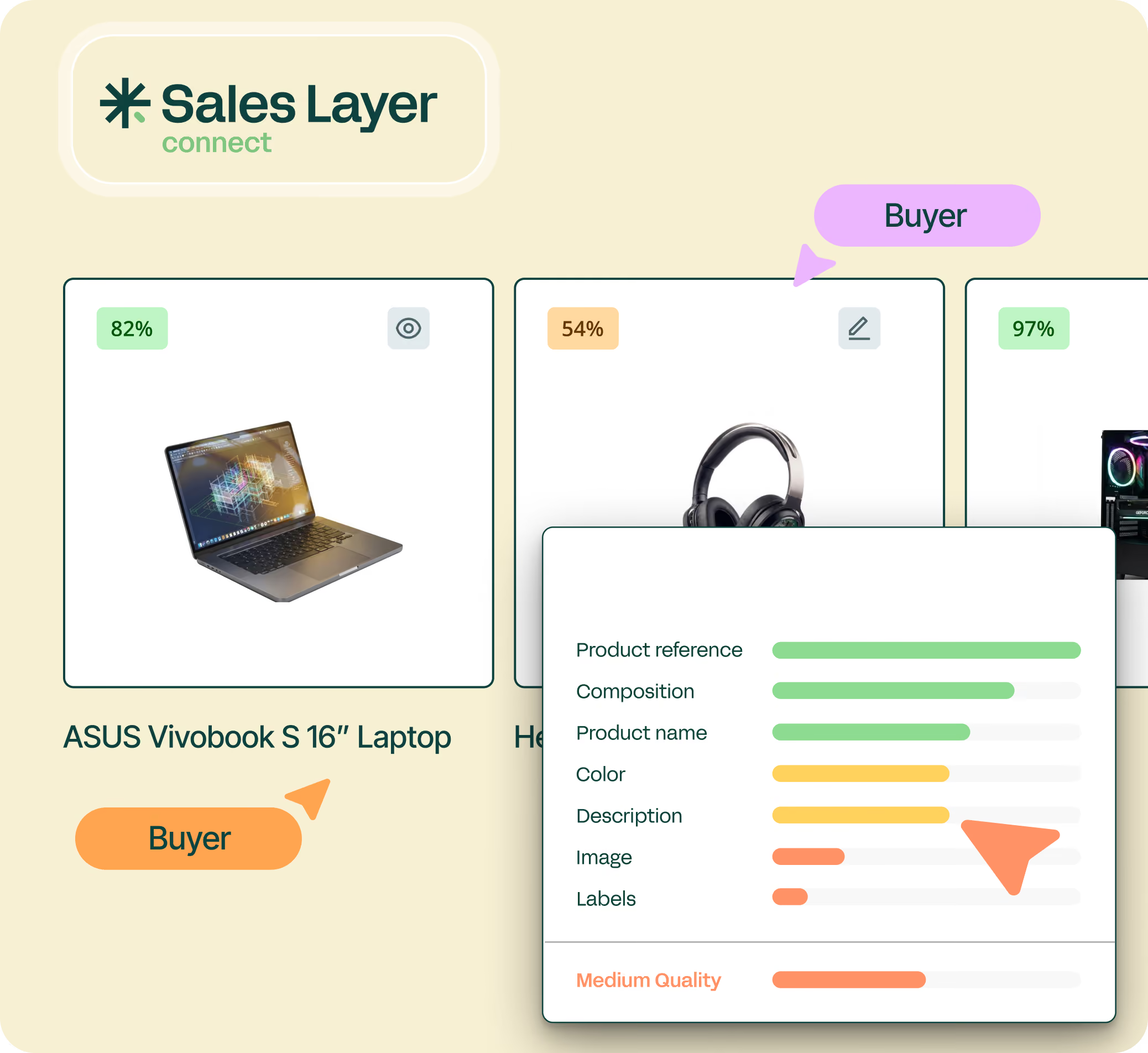
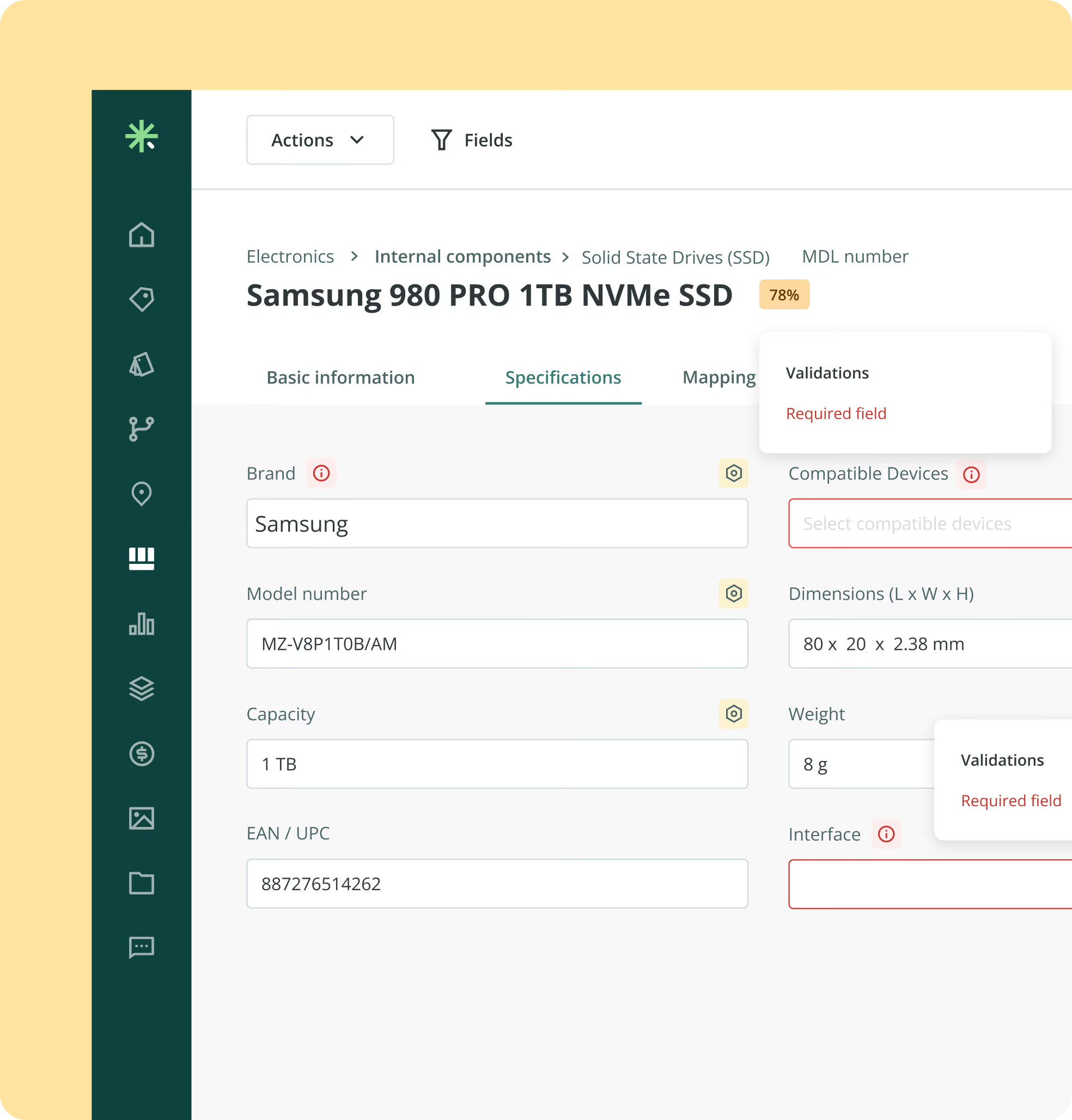
A laptop, monitor, or PC component needs more than a good title. Organize details such as capacity, dimensions, compatibility, and model numbers in Sales Layer, then map the relevant attributes to Newegg’s subcategory fields. Give shoppers the information they need to compare products with confidence.
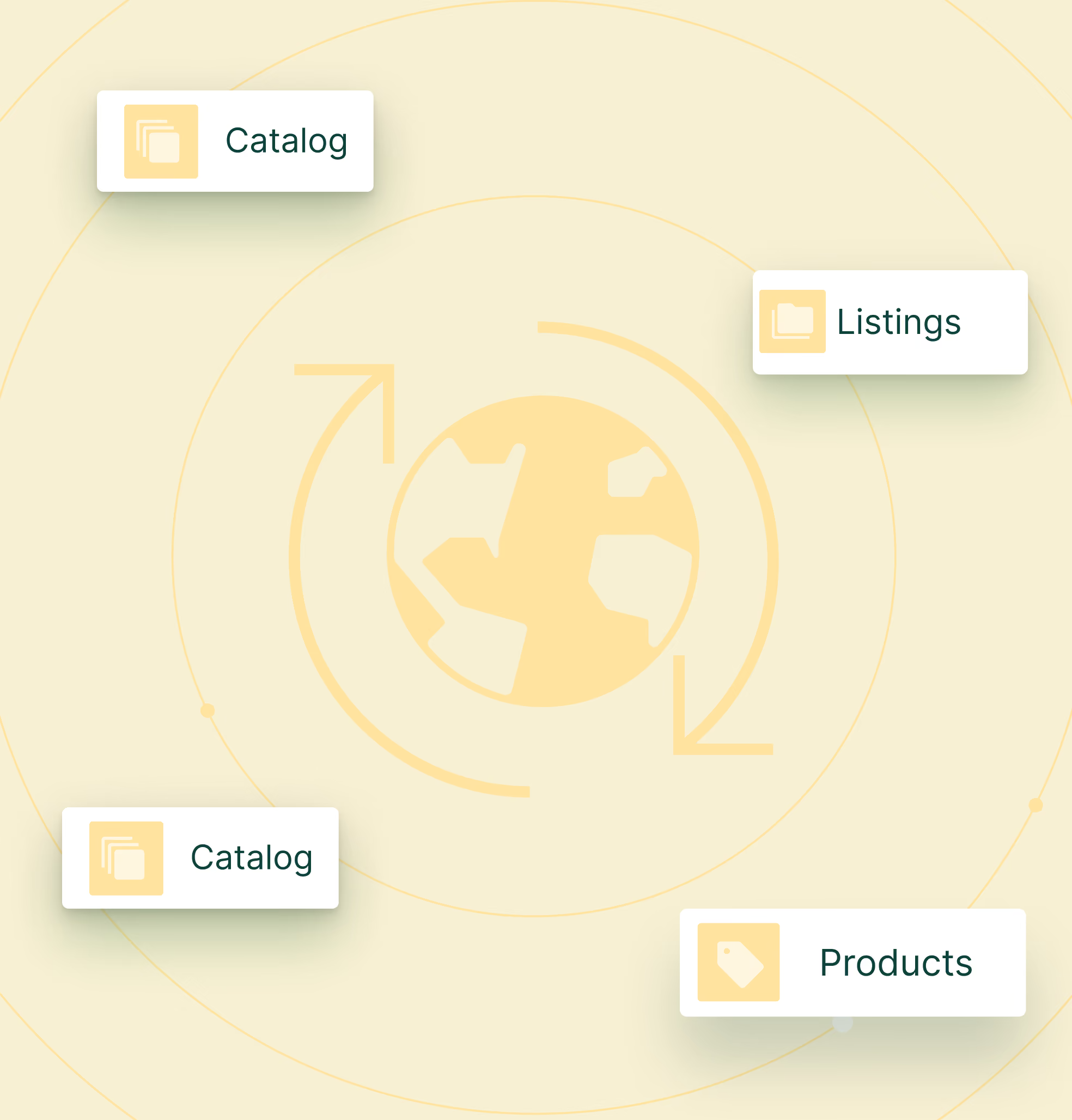
With Sales Layer, manage product selections, localized descriptions, and technical specifications for each Newegg market from one place. Review voltage, plug compatibility, and country of origin to help shoppers choose suitable products. Prepare consistent, market-specific catalogs for Newegg.com, Newegg.ca, and eligible Newegg Global destinations.

Excel-based product data loading for easy system connection.
CSV ingestion for fast bulk connection to Sales Layer catalogs.
Sales Layer REST API enabling direct system-to-system linkage.
Prebuilt channel connections for automated multi-platform output.
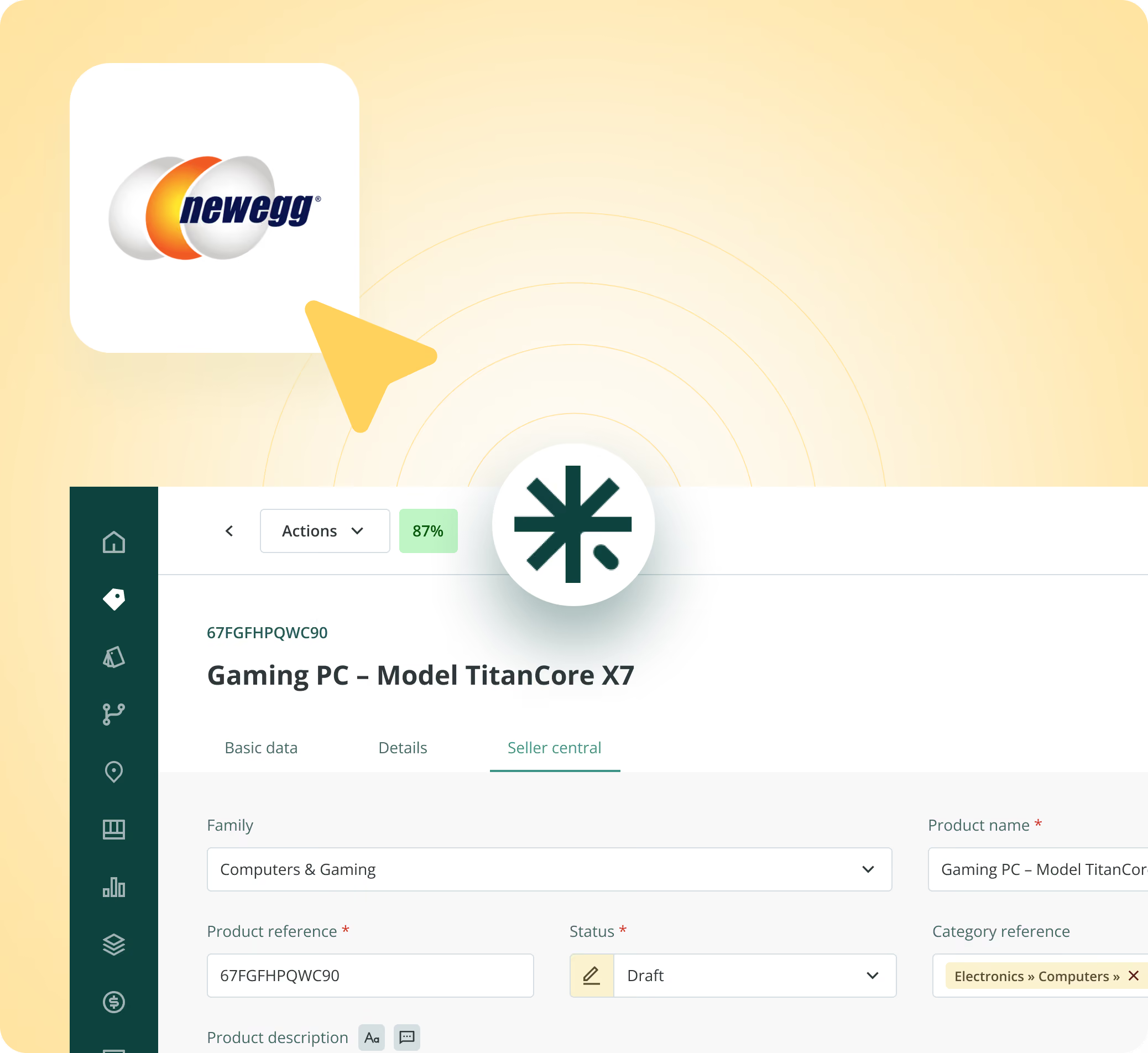
Sales Layer is your control center for Newegg product content. Keep titles, technical specifications, and images together, then use a configured publishing flow to prepare item data for the Newegg marketplace you sell in.

Give tech shoppers clear product details to compare while managing Newegg-ready content from one place.
No, direct publishing requires a Newegg feed or API integration configured for your seller account. Sales Layer can prepare and export your product content.
Check the required fields for your Newegg product subcategory, then map them to your Sales Layer attributes. Use Sales Layer to complete and review product identifiers, descriptions, images, and technical specifications before submitting your feed.
Yes. Newegg accepts multiple image URLs for each product. Manage your approved images in Sales Layer, then include direct image URLs in your configured feed, following Newegg’s image requirements.
Yes. Newegg supports product variants such as sizes, colors, and styles. Organize each variant’s attributes and unique identifier in Sales Layer. Your configured integration must map those options and submit the grouping information to Newegg.
Review Newegg’s processing report to identify the affected item and the reason for rejection. Correct the relevant product data in Sales Layer or adjust the feed mapping, then resubmit. Some errors, such as an unrecognized manufacturer, require contacting Newegg Marketplace Support.