

Sales Layer centralizes Fastenal catalogs into one clean data model. Teams localize faster, manage variants and media easily, and export PunchOut files ready for approval improving visibility, speed to market, and accuracy across every listing.

Run a clean product model in Sales Layer for every Fastenal listing. Keep SKUs, variants, specs, media, and PDFs in one place with Quality Score, workflows, and version history. Map Fastenal once, create a saved view, and republish in minutes after approvals. Teams stop rebuilding spreadsheets, cut listing rework, and keep titles, units, and attributes consistent across families and categories. Approvals move faster and errors drop.

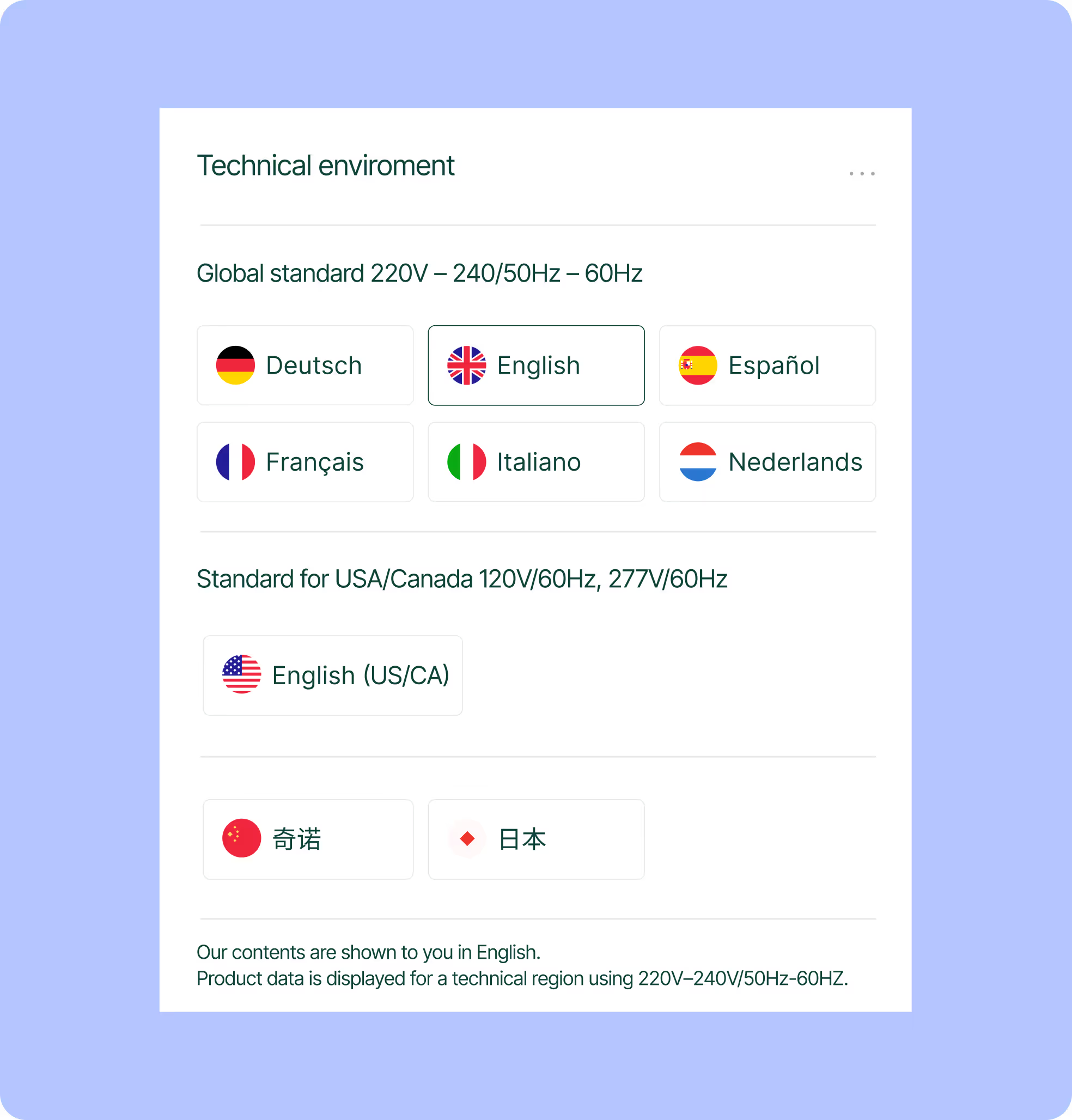
Publish Fastenal-ready content in the languages your buyers use. Names, descriptions, attributes, and labels live per language at the SKU level, with locale-aware units and decimals that keep specs consistent. Store regional PDFs like SDS or CE with each item and reuse them easily. Build language packs and schedule updates, so teams stop copy-pasting and buyers see clean terms in search, filters, and RFQs.
Earn more space in buyer-approved catalogs with richer specs, clean units, and complete assets. Use the same product model to power PunchOut Level 1, Level 2, and Hosted files. Launch PunchOut in about two weeks when data is clean, often sooner when it is ready. Better data improves ranking on Fastenal, speeds category approvals, and turns exposure into more quotes and closed lines.
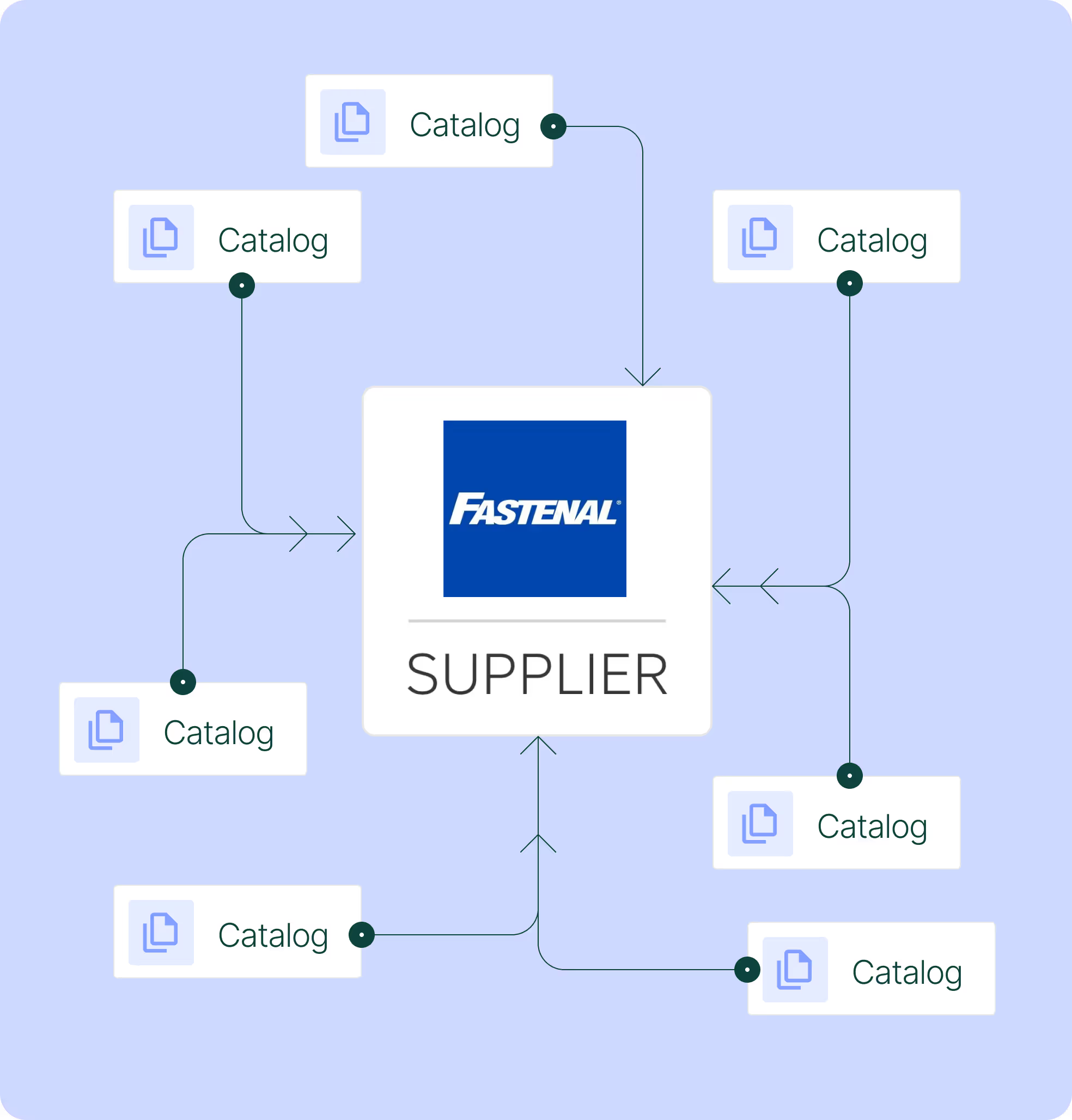

Centralize SKUs, variants, attributes, and assets in Sales Layer. Use Quality Score and fields to mark items ready.

Create a Fastenal channel view. Map required attributes, labels, galleries and PDFs once, then save for reuse.

Pick PunchOut L1 or L2, or Hosted CSV/XML/XLSX. Set a cadence so updates publish without spreadsheets.

Publish to Fastenal and start selling with consistent data. Track results and refine the catalog over time.
Yes. Create a Fastenal channel in the Sales Layer UI, map the required fields, and save the view. Quality Score flags missing data before you publish. The UI is built for non-technical teams, so marketing can own the setup without developer support.
Store assets the SKU level in Sales Layer. Include image galleries and file URLs in the export so Fastenal can ingest them. Attach regional PDFs like SDS, CE, or instructions to each item. Version history and Quality Score help keep documents current and complete.
Update the mapping in your saved view and run a pre-publish check. Review missing attributes, units, or categories. If validation flags issues, click through to the affected records, fix once, and re-export. Versioned views keep a clear audit trail.
Yes. Create a channel view and filter by brand, family, category, or custom eligibility flags. Use Ready status to include only approved SKUs. Preview the file before sending and schedule exports for selected sets. Unready items stay out until they pass checks.
Yes. Publish PunchOut catalogs in Level 1, Level 2, or Hosted formats from Sales Layer without IT support. Once product data sits in the PIM, ready connectors let you configure the buyer format, test, and launch in less than two weeks, even faster when data is clean. Marketing can run the setup, schedule refreshes, and keep content current. This meets enterprise buyer requirements and helps you become a preferred supplier.

Onboard in six weeks
Fast start with guided setup and simple imports, even for teams without technical backgrounds.

Workflows and permissions
Assign tasks, approvals, and roles so teams stay in sync.

Multi language and units
Translate attributes and content, manage units, and keep country versions aligned.

AI product description generator
Create better copy fast and keep tone consistent across lines.
Instant Catalogs and PDF Creator
Build shareable, searchable catalogs and export branded PDFs that stay up to date as the PIM changes.